
Cookie Policy
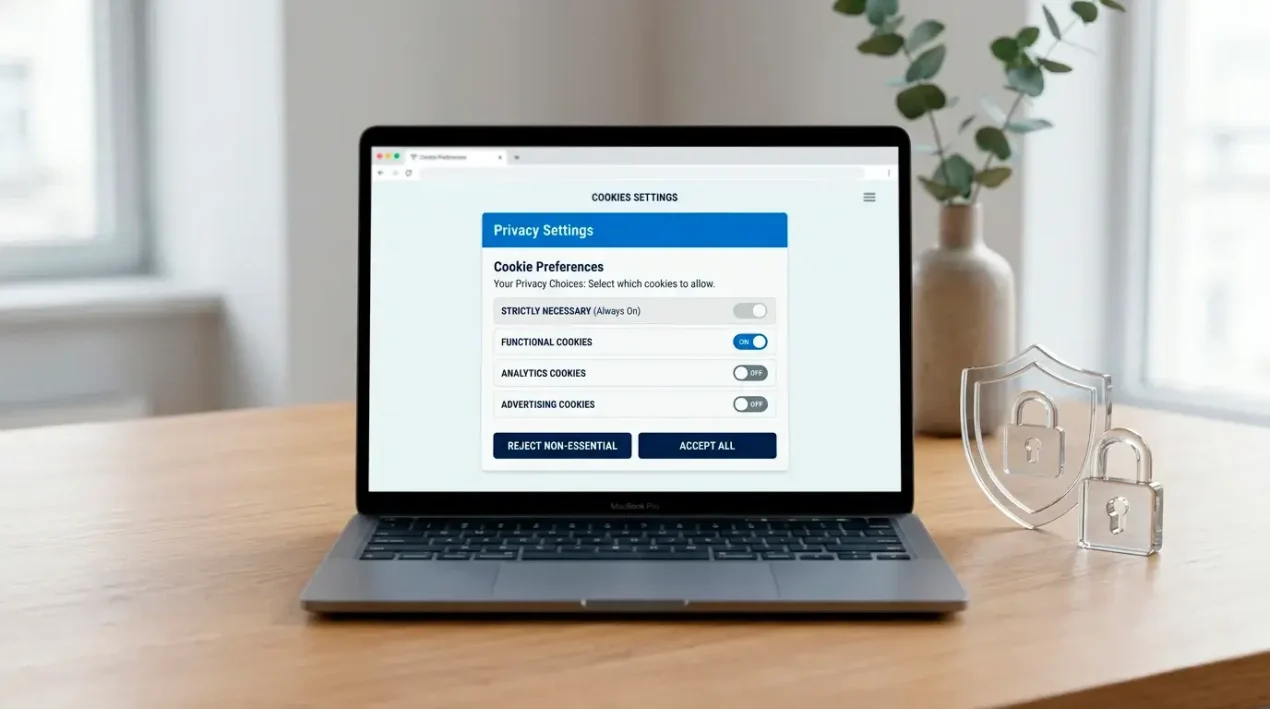
This policy explains what cookies are, how GamStop Review Casino uses them, and how you can control or disable them. It sits alongside our privacy policy, which covers personal data more broadly. The specific cookies listed below are placeholders that the site owner will confirm and complete before launch, because the exact set depends on the final hosting and analytics setup.
Back to the main guide: casinos not on GamStop explained.
What cookies are
A cookie is a small text file that a website asks your browser to store on your device when you visit. On a later visit, the site can read that file to recognise your browser, remember your preferences, or measure how the site is used. Cookies cannot run programs or carry viruses, and they do not give a site access to the rest of your device. Similar technologies, such as local storage and tracking pixels, work in comparable ways and are covered by this policy where we use them.
Categories of cookies on this site
Cookies on this site fall into four categories. Strictly necessary cookies are required for the site to function and to remember your cookie choices; these are always active and do not need consent. Functional cookies remember preferences such as display settings to improve your experience. Analytics cookies help us understand, in aggregate, which pages are read and how the site performs. Marketing cookies, if ever used, would support advertising or campaign measurement. On an information resource like this one we aim to keep non-essential cookies to a minimum, and functional, analytics and marketing cookies are only set if you give consent through the cookie banner.
Cookies we use
The table below lists the cookies expected on this site. Names, purposes and durations are placeholders to be finalised before launch.
| Name | Purpose | Retention | Category |
|---|---|---|---|
| cookie_consent | Stores your cookie preferences so the banner does not reappear | 12 months | Strictly necessary |
| session_id | Maintains your browsing session on the server | Session | Strictly necessary |
| display_prefs | Remembers display preferences such as font or layout settings | 6 months | Functional |
| _analytics_id | Distinguishes visitors to measure aggregate site usage (only if you consent) | 13 months | Analytics |
| _analytics_session | Tracks a single analytics session (only if you consent) | 30 minutes | Analytics |
How to disable cookies in your browser
You can refuse non-essential cookies through our cookie banner, and you can change your choice at any time. You can also control cookies directly in your browser, which lets you block or delete them across all the sites you visit. The exact steps vary by browser and version, but the following gives you a starting point.
- Google Chrome
- Open the menu, choose Settings, then Privacy and security, then Cookies and other site data, where you can block or clear cookies.
- Mozilla Firefox
- Open the menu, choose Settings, then Privacy & Security, and adjust the Cookies and Site Data section, where you can manage and clear stored cookies.
- Apple Safari
- Open Safari, then Settings or Preferences, choose the Privacy tab, and use the options there to block cookies and manage website data.
Please note that blocking all cookies, including strictly necessary ones, may stop parts of this or other websites from working as intended.
Changes to this policy
We may update this cookie policy when our setup changes or to reflect new legal guidance. When we make material changes we will revise the date at the top of this page, and where required we will ask for your consent again through the cookie banner. We recommend reviewing this page from time to time so you understand how cookies are used here.
How the data itself is handled is in the privacy policy.